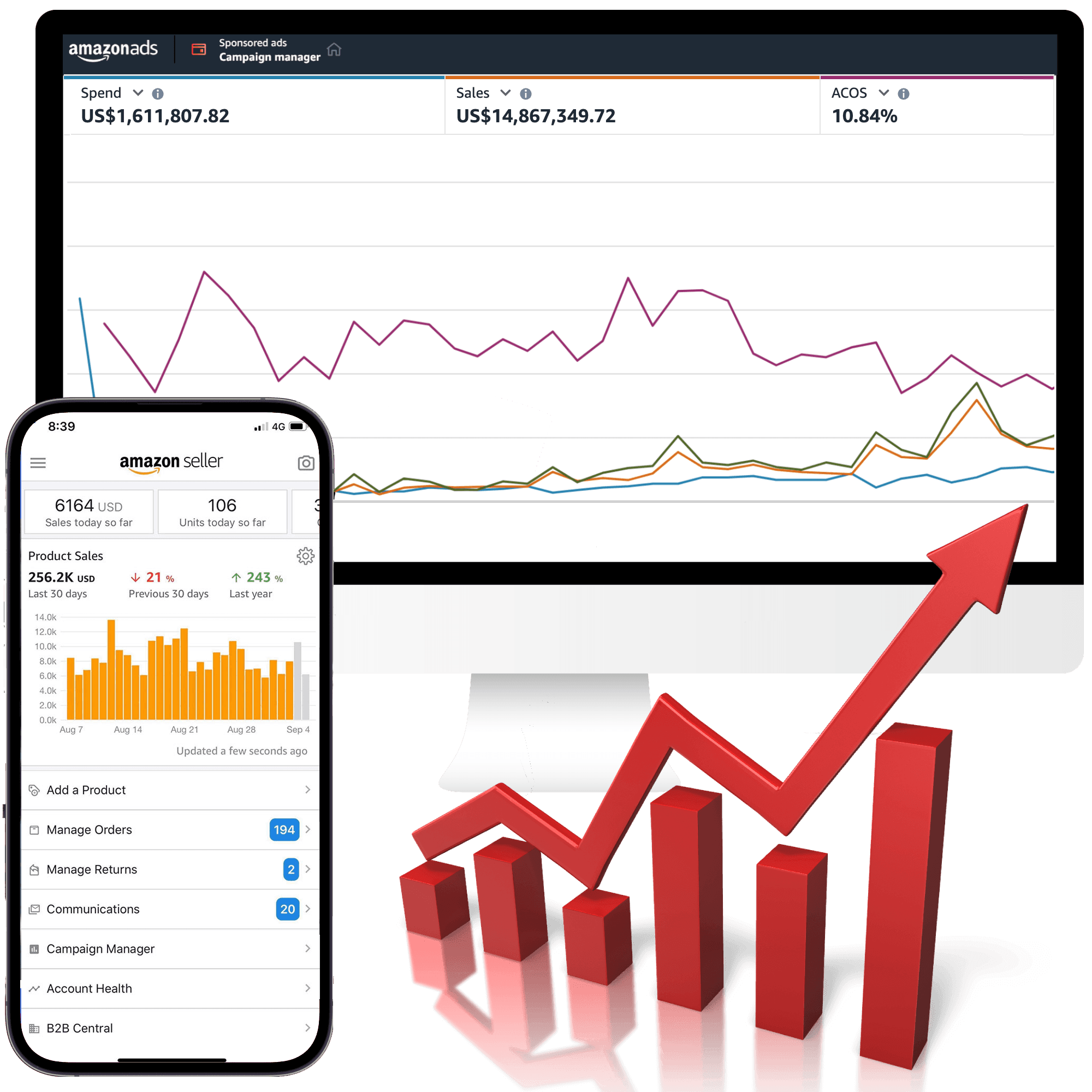
Reducing ACOS is not the same as improving an Amazon business. A cheaper ad-attributed sale can still lose money, while a temporarily higher ACOS can be acceptable when it buys useful discovery, new demand, or a controlled product launch.
The better question is: what should this next dollar of Amazon PPC do, and can the product afford it? Amazon defines advertising cost of sales (ACOS) as ad spend divided by ad revenue. If a campaign spends $100 and produces $400 in ad-attributed sales, its ACOS is 25% and its ROAS is 4.0x. That describes ad efficiency; it does not, by itself, describe profit. [S1]
Use the seven checks below in order. Each one ties an account signal to an action and names the tradeoff so you do not “optimize” one metric into a worse business result.
Start with the profit boundary
Before changing a bid, calculate the economics of the advertised product. Start with selling price and subtract the costs that move with the order: product cost, fulfillment, marketplace fees, discounts, returns allowance, and any other cost you use in the account’s contribution model. The remainder is the contribution available before advertising.
That contribution percentage is the first ceiling for break-even ACOS. If a product contributes 35% before ads, an ACOS above 35% is not a profitable sale on that simple model. It is a ceiling, not a target: launches, category discovery, branded defense, and inventory decisions may justify a different operating goal, but the exception should be deliberate and funded.
| Metric | Formula | What it helps decide |
|---|---|---|
| ACOS | Ad spend ÷ ad-attributed sales | How efficiently the ads produced attributed sales |
| ROAS | Ad-attributed sales ÷ ad spend | How much attributed revenue each ad dollar produced |
| TACOS | Total ad spend ÷ total sales | Whether paid spend is reasonable against the whole sales base |
| Contribution after ads | Contribution before ads − ad spend | Whether the sale or product group still clears its business rule |
Amazon also warns that ACOS should not be the only campaign metric. Compare it with impressions, clicks, conversion rate, sales, and the business goal for the campaign. [S1] A target ACOS without a margin boundary is just a number wearing a tiny manager hat.
1. Diagnose the constraint before cutting bids
Evidence to inspect: campaign objective, advertised ASINs, targeting type, spend, clicks, orders, sales, conversion rate, budget status, and placement performance.
Action: classify the problem before editing anything. Is the campaign spending on irrelevant queries? Is it relevant but failing to convert? Is it profitable but budget-limited? Is one product absorbing impressions intended for another? Campaign and ad-group structure should make those answers visible. Amazon recommends organizing products and targets around the campaign objective rather than mixing incompatible jobs together. [S2]
Tradeoff: more separation creates more campaigns and more maintenance. That cost is worth paying when shared budgets, mixed products, or mixed intent make the data impossible to act on. Do not split an account merely to create a prettier naming convention.
2. Turn useful search terms into controlled targets
Evidence to inspect: the search term report, query relevance, clicks, orders, sales, conversion rate, and the target that received the query.
Action: move relevant, repeatedly useful search terms into a manual campaign or ad group where the bid and budget match their job. Exact match can give a proven query a tighter control point; phrase or broad match can continue discovery at a different risk level. Keep the product and intent coherent so the resulting performance is readable. Amazon’s targeting guidance describes automatic campaigns as a discovery source and manual targeting as the control layer for selected keywords or products. [S2]
Tradeoff: more control can reduce reach. A term with one early order is not automatically a winner, and an exact-match campaign can starve discovery if every exploratory target is forced into a narrow bucket. Harvest with a reason, then watch whether the new target earns enough evidence to keep its budget.
3. Use negative targeting to stop specific waste
Evidence to inspect: irrelevant queries, poor-fit ASINs, spend without orders, and whether the same waste appears across campaigns or only in one target.
Action: add negative keywords or negative products when the evidence shows the traffic does not meet the campaign objective. Use negative exact when one query is the problem; use negative phrase when a broader phrase family is clearly wrong. Amazon supports negative targeting for both automatic and manual campaigns and recommends reviewing performance before making the exclusion. [S2]
Amazon’s guide suggests evaluating a negative candidate after at least 20 clicks and letting negative keywords run for two weeks or more before changing the strategy. Treat those as useful guardrails, not a universal law: a clearly irrelevant query can be excluded earlier, while a high-consideration product may need more time. [S2]
Tradeoff: negatives are reversible, but overblocking is still expensive. A negative phrase can suppress valuable variants, and a product negative can remove a useful complementary placement. Record why the exclusion was made and review it when the product, price, or offer changes.
4. Fix retail readiness before blaming targeting
Evidence to inspect: clicks without orders, product detail page quality, price and promotion, inventory, Featured Offer eligibility, reviews, images, bullets, and the match between the ad promise and the landing product.
Action: if relevant shoppers click but do not buy, inspect the offer and detail page before making a broad bid cut. Amazon notes that Sponsored Products appear when advertised products are in stock and emphasizes strong product information and detail pages as part of campaign performance. [S3]
Tradeoff: retail fixes can take longer than a bid edit and may sit outside the ads console. That is exactly why they get missed. Lowering bids can reduce spend while leaving the conversion problem untouched; raising bids can buy more expensive evidence that the offer is not ready.
5. Separate bid decisions from placement decisions
Evidence to inspect: spend, CPC, orders, conversion rate, ACOS/ROAS, and impression delivery by top of search, rest of search, and product-page placement where the account exposes those cuts.
Action: decide whether the problem is the base bid, the placement adjustment, the target, or the product. Amazon provides multiple bidding strategies and placement bid adjustments; its best-practices guidance recommends using campaign reporting to understand how placements perform before adjusting them. [S3]
Change one meaningful lever at a time when the account has enough volume to read the result. If a placement converts well but is budget-limited, a targeted adjustment may be rational. If it has high CPC and weak conversion, a blanket bid increase is not a strategy—it is a louder version of the same problem.
Tradeoff: placement data can be noisy, especially on low-volume targets. Avoid declaring a placement bad from a handful of clicks, but do not use “insufficient data” as an excuse to keep funding obvious irrelevance.
6. Treat budget as an allocation decision
Evidence to inspect: budget status, delivery by hour or day where available, impression share or lost-to-budget signals, marginal ACOS/ROAS, and the relative job of each campaign.
Action: if a profitable campaign is genuinely budget-limited, decide whether to move budget from a weaker campaign before increasing the account total. If a campaign is not spending its budget, increasing the budget will not solve a targeting, bid, inventory, or conversion problem.
Amazon states that Sponsored Products daily budgets are not paced evenly throughout the day, so a campaign can use its available budget quickly when demand is present. [S4] Protect the campaigns that defend branded demand, support a priority product, or have a clearly defined discovery job; fund experiments separately instead of letting them quietly consume the core account.
Tradeoff: holding budget can cost impressions and learning. Increasing it can buy incremental traffic at a worse marginal return. Make the choice against the product’s contribution rule and the campaign’s purpose, not against a generic “always scale” slogan.
7. Read ACOS with TACOS and contribution margin
Evidence to inspect: ACOS, ROAS, total sales, TACOS, organic-versus-paid mix where available, contribution after ads, and the same comparison window across the account and product.
Action: use a higher ACOS tolerance only when the business has explicitly chosen the job—launch, discovery, category expansion, or brand defense—and the broader economics support it. If ACOS rises while total sales grow and TACOS holds or falls, that can be a healthier signal than a lower ACOS paired with shrinking demand. Amazon describes TACOS as advertising spend relative to total sales in its Ads and Selling Partner API guidance. [S5]
Tradeoff: TACOS can hide an inefficient campaign inside a growing account, and ACOS can punish a campaign that is intentionally creating demand. Use both as context, then return to contribution margin. If the product is losing money after ads, the answer is repair, restructure, or stop—not a more flattering dashboard.
A decision tree for the next change
| What the account shows | First move | Do not assume |
|---|---|---|
| Spend on clearly irrelevant queries or products | Add the narrowest useful negative and inspect the source target | That every low-ACOS query is valuable |
| Relevant clicks, weak conversion, retail offer questionable | Review stock, Featured Offer, price, detail page, and query-to-product fit | That a bid cut fixes a conversion problem |
| Strong target, high impression opportunity, budget-limited | Reallocate or increase budget against marginal economics | That average ACOS predicts the next dollar |
| High ACOS during a deliberate launch, with contribution and total-sales rules intact | Hold the test to its stated learning window and watch TACOS | That a temporary ACOS spike means failure |
| High ACOS and contribution after ads is negative | Reduce exposure, repair the target or offer, or pause | That more traffic will rescue bad unit economics |
Before changing a bid, run this five-minute check
- Confirm the comparison window and attribution lag you are using.
- Look at the actual query, target, product, and placement—not just campaign averages.
- Check whether the advertised product is in stock and winning the Featured Offer where relevant.
- Compare the observed ACOS with the product’s contribution boundary and the campaign’s stated job.
- Choose one action, record the reason, and set the next review point before touching the bid.
This prevents the most common ACOS mistake: reacting to a number without identifying the mechanism behind it.
When an account needs an audit instead of another tweak
Get a structured review when campaigns mix products with different margins, automatic and manual targeting compete without a negative strategy, budgets are shared across incompatible objectives, or the account cannot reconcile ad sales with total sales and contribution. A good audit should return a prioritized decision list—not a pile of bid changes.
For the execution layer, see the Amazon PPC campaign optimization guide. For ongoing hands-on support, review Clickbringer’s Amazon PPC management approach. If the account’s real constraint is unclear, start with a free Amazon PPC audit.
Bottom line
Lower ACOS is useful only when it represents a better business decision. Start with contribution margin, separate campaign jobs, harvest useful demand, negate specific waste, fix retail readiness, read placements and budgets at the right level, and use TACOS as context rather than camouflage.
The goal is not to make every campaign look efficient. The goal is to make the next spend decision more profitable, more explainable, and easier to reverse when the evidence changes.
Sources
[S1] What is advertising cost of sales (ACOS)? Here’s everything you should know, Amazon Ads, accessed September 16, 2026.
[S2] A simple guide to effective targeting with Sponsored Products, Amazon Ads, accessed September 16, 2026.
[S3] Best practices for your Sponsored Products ads, Amazon Ads, accessed September 16, 2026.
[S4] Sponsored Products - Help increase product sales, Amazon Ads, accessed September 16, 2026.
[S5] Ads + Selling Partner APIs Onboarding and Best Practices, Amazon Ads, accessed September 16, 2026.


